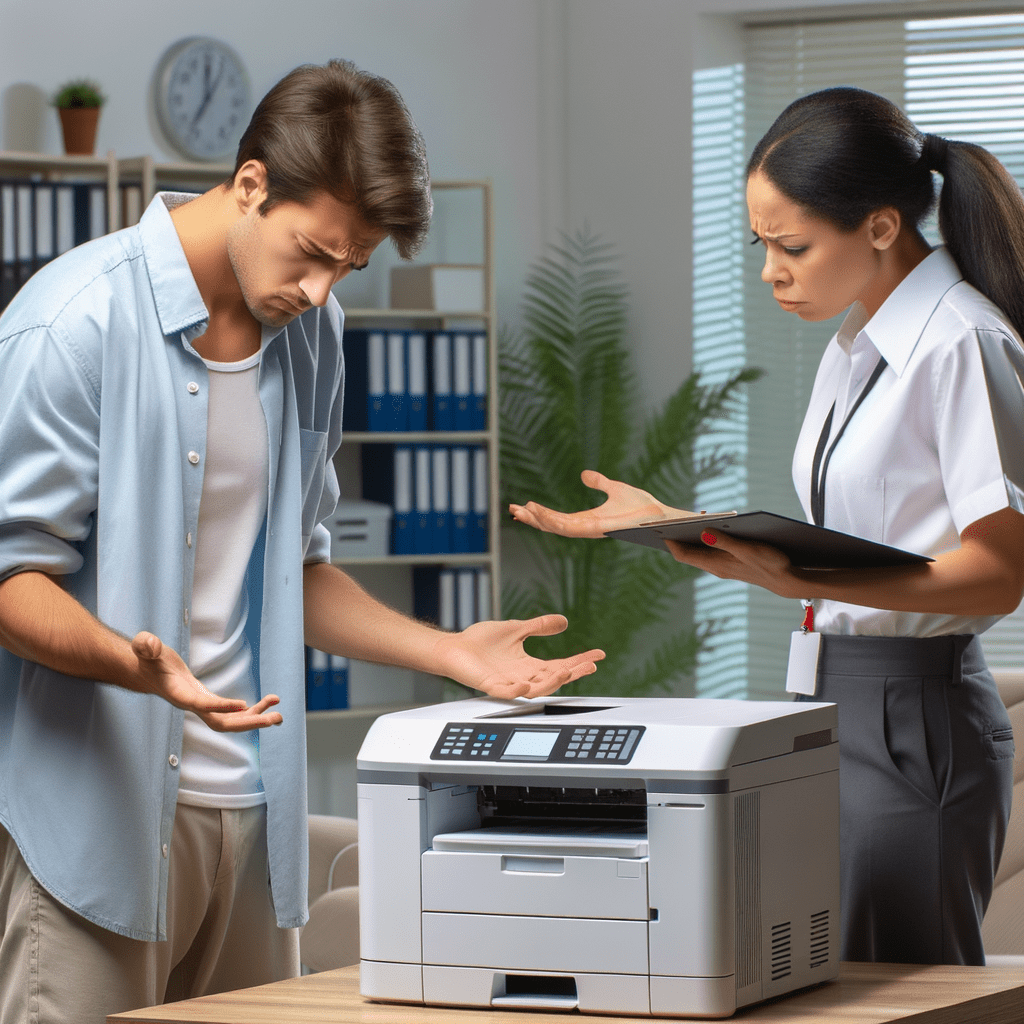
There is a unique silence in the office, a quiet dread that falls only when a truly important document needs printing. It’s the silence of the printer, a beige box of quiet malevolence that has decided your report on Q3 earnings is not worthy of its ink. You need to fix the printer connection, but it knows. And it enjoys your suffering.
The Ancient Rituals of Troubleshooting
Before you descend into the madness of control panels and IP addresses, you must perform the sacred rites known to all office workers.
- The Power Cycle: The first and most holy commandment. Turn it off. Wait 30 seconds while contemplating your life choices. Turn it back on. This works just often enough to keep us believing in magic.
- The Cable Wiggle: A gentle, percussive dance with the USB and power cords. Are they loose? Probably not. Does wiggling them assert your dominance over the machine? Absolutely.
- The Paper Tray Appeasement: Open it. Close it. Add one sheet of paper. Remove one sheet of paper. This is less about fixing the problem and more about showing the printer you respect its domain.
Level Two: Pleading with the Digital Overlords
When the physical rituals fail, you must venture into the digital realm. This is where you’ll find the ‘Devices and Printers’ menu, a mysterious land where icons go to flicker aimlessly. Your quest to fix the printer connection continues with the ‘Troubleshoot’ button, a tool of immense optimism and zero practical effect. It will confidently tell you the problem is that the printer is turned off, even as its lights mock you from across the room.
The Final Boss: The Help Desk Ticket
You’ve done it all. You’ve rebooted, reconnected, and reinstalled. The printer remains a silent monument to your failure. It’s time to surrender. Craft your help desk ticket with the precision of a poet laureate. Detail your struggle, your pain, your journey. Click ‘Submit’ and wait for the inevitable reply two hours later: “Have you tried turning it off and on again?”
Leave a Reply